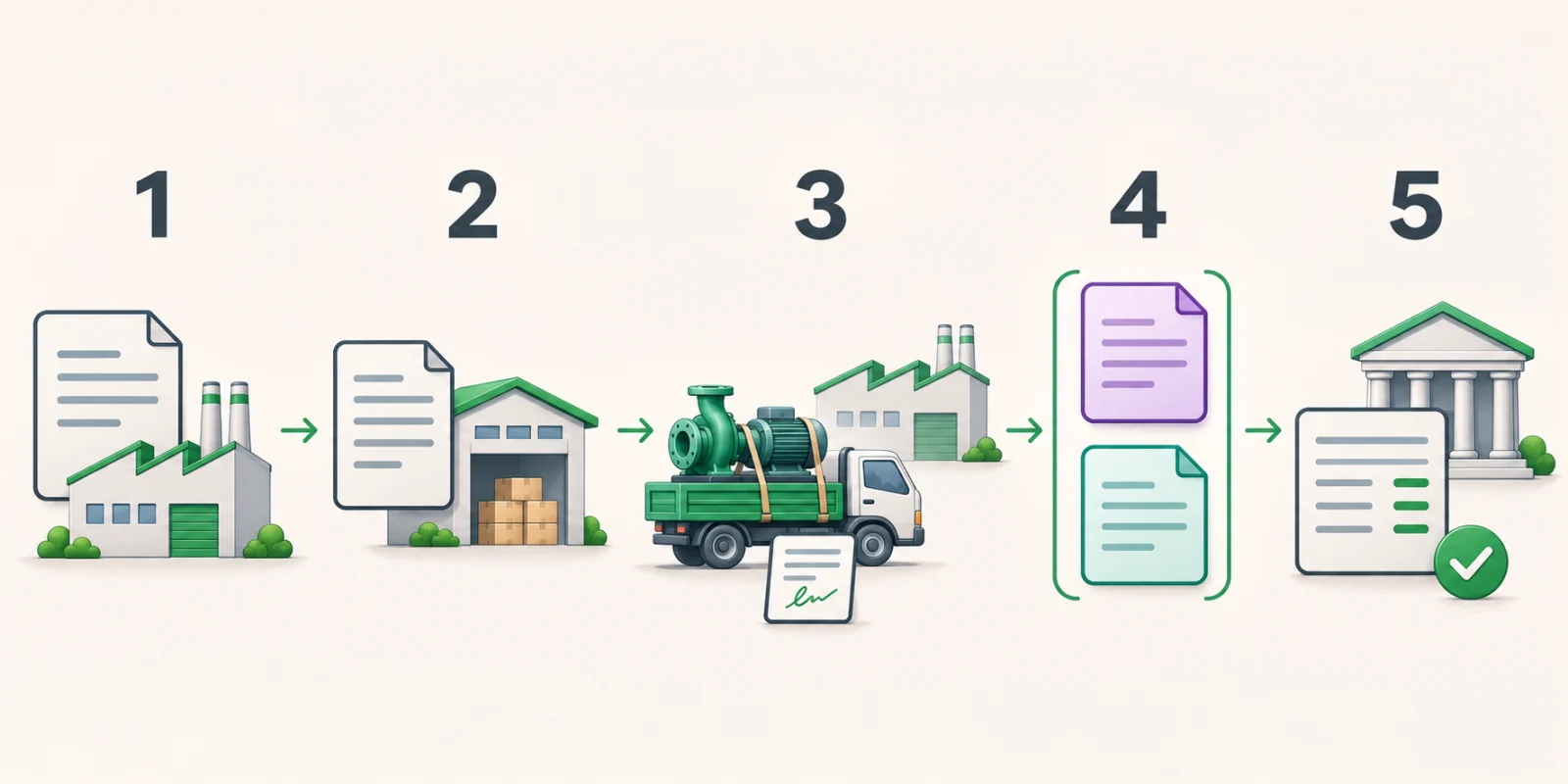
Illustrative example. A factory orders 10 industrial pumps from a distributor. The distributor has none of that model in stock, but its supplier can ship straight to the factory. The customer receives six and is still waiting for four. The supplier bills for all 10. Sales wants to invoice before the cut-off, accounts payable needs to decide what to pay, and purchasing needs to tell the customer when the rest will arrive.
Direct shipment lets the distributor take the order without holding the pumps in its own warehouse. The distributor still owns the order, follows up on shortages, and collects from the customer. Everyone needs to see the same three quantities backed by the same evidence: 10 ordered, six delivered, four outstanding.
Record the shipment your warehouse never sees
In Odoo 19, the Dropship route links the sales order, the purchase order, and a transfer that Odoo calls a Dropship Receipt. The source is the vendor and the destination is the customer. The goods travel straight between those two parties. The distributor decides what counts as delivery evidence and who can validate the confirmed quantity. Odoo 19 Dropshipping documentation
Follow the order from 10 pumps to proof of delivery for six
Sales confirms the order for 10 pumps and checks the delivery address. If the product has the Dropship route and a vendor configured, Odoo generates a draft request for quotation (RFQ) linked to the sales order. Purchasing checks the price, promised date, and delivery address before confirming the RFQ as a purchase order (PO). That confirmation creates the linked Dropship transfer the team can use to follow the shipment. Odoo 19 Dropshipping documentation
In this example, the distributor has agreed to bill for the number the customer actually receives. Purchasing asks the supplier or carrier for proof of delivery, such as a signed delivery note with the PO reference, date, and quantity received. A tracking number that only shows departure tells the team to keep following up.
Once the evidence confirms six pumps have arrived, the responsible person records six and selects Validate. If Odoo asks about a backorder, create it for the four pumps still to be delivered. Verify that the outstanding quantity remains visible in the linked transfer before promising another delivery date. Odoo Dropshipping · Invoicing policies
Waiting for proof of delivery is the agreed rule in this example. If the contract uses dispatch as the billing milestone, sales and accounting should agree how to reflect that event before configuring the workflow. Requiring proof to be attached before validation or importing supplier status automatically takes separate design and testing.
The same delivery quantity supports two different checks
Accounts receivable uses the product's Delivered Quantities policy and creates a draft customer invoice for six from the sales order. The team reviews the invoice before confirming and sending it. Once the remaining four have arrived and been validated, the team can invoice the balance under the same policy. Odoo 19 Invoicing policies
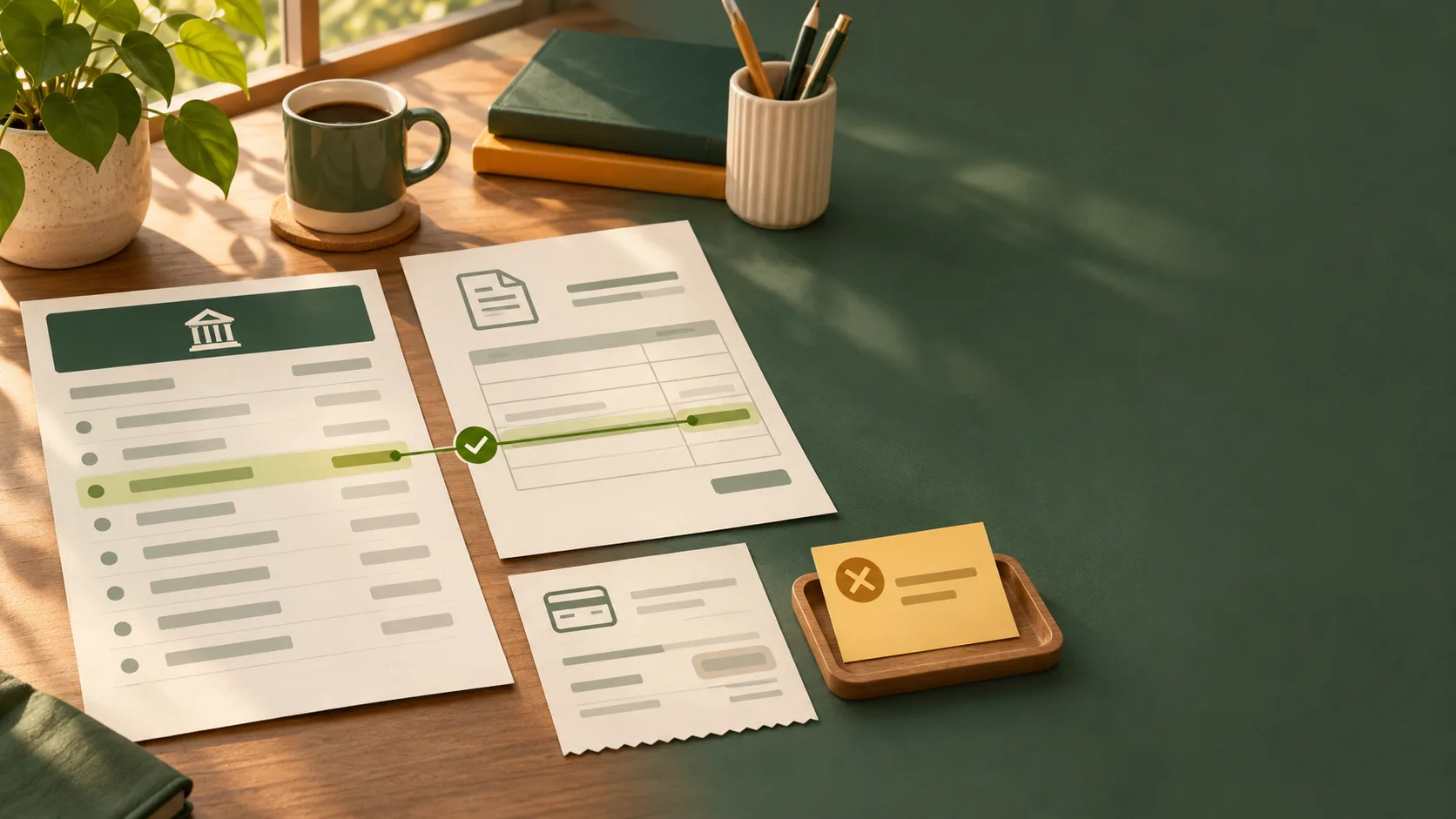
Accounts payable compares the vendor's bill for 10 with the PO and the confirmed transfer for six. Under Received Quantities, the draft vendor bill created from the PO uses the quantity recorded as received. For a dropship order, that quantity comes from the validated direct shipment. AP still has to review the bill the vendor actually sent. When the quantity, price, or freight differs from the agreement, purchasing verifies the discrepancy or requests a corrected document before AP approves payment under company policy. Odoo 19 Bill control policies
When 3-way matching is enabled alongside Received Quantities, Should Be Paid can flag a discrepancy. An Exception still allows a user to edit the draft bill. If the company needs hard approval before paying an exception, it should assign that authority and test whether its workflow enforces it. Odoo 19 3-way matching documentation
Finance also needs to see when the money moves. Suppose the six pumps sell for THB 18,000 each, cost THB 14,000 each to buy, and incur THB 3,000 in freight paid by the distributor. The THB 108,000 sale leaves THB 21,000 after purchase and freight, before tax and other expenses. If the supplier offers 15 days of credit and the customer pays in 45 days, with both periods starting on the same date, the distributor must fund THB 84,000 of purchases for about 30 days before collecting from the customer.
When money comes in from the customer or goes out to the supplier, match the bank transaction against the relevant invoice or bill. This lets finance see which balances have been settled and which are still open. Odoo 19 Bank reconciliation
Start with one product and prove the whole order works
Choose a product that the supplier can ship directly on a dependable schedule, with delivery evidence the distributor can check. Agree who pays for freight and who handles returns. If the item needs inspection, kitting, or labelling at your warehouse first, route that order through the warehouse. For products that can use either route, give sales a clear rule for when to choose direct shipment.
Before going live, run the example with 10 pumps in a test environment. After validating six, verify that both the sales order and the PO reflect six and that the linked transfer still shows four outstanding. Check that the customer invoice draft covers only six and that AP follows the review process when the vendor asks for payment for all 10. After the second delivery, the remaining four should close without another charge for the first six. Try a damaged or returned pump as well, so the team knows who coordinates the return and which records need to change. If the existing supplier evidence is enough for this workflow, prove it with manual checks before adding an integration.