The purchase order calls for five cartons of 12 pieces, but only four sound cartons are available to receive. If the warehouse confirms the ordered quantity, the stock record will overstate inventory by 12 pieces. Sales may then promise stock that has yet to arrive.
This guide explains how to set up and test units of measure using the Odoo 19.0 documentation, reviewed on November 29, 2026. It is for purchasing, warehouse, and accounting teams that need to approve the configuration before rollout. Run the checks on your own release, installed modules, and customizations.
Give each team the quantity it works with
If warehouse staff count and issue stock by the piece, use pieces as the inventory unit and set the vendor purchase unit to match the actual carton size, such as 12 pieces. Odoo 19.0 documents that a purchase order can use the purchase unit defined in the vendor pricelist. Odoo converts the quantity on the receipt to the inventory unit. An order for five cartons should therefore show a receipt demand of 60 pieces. Purchasing should verify that the order price is per carton and the warehouse should confirm that the receipt is in pieces. Odoo 19.0 units of measure
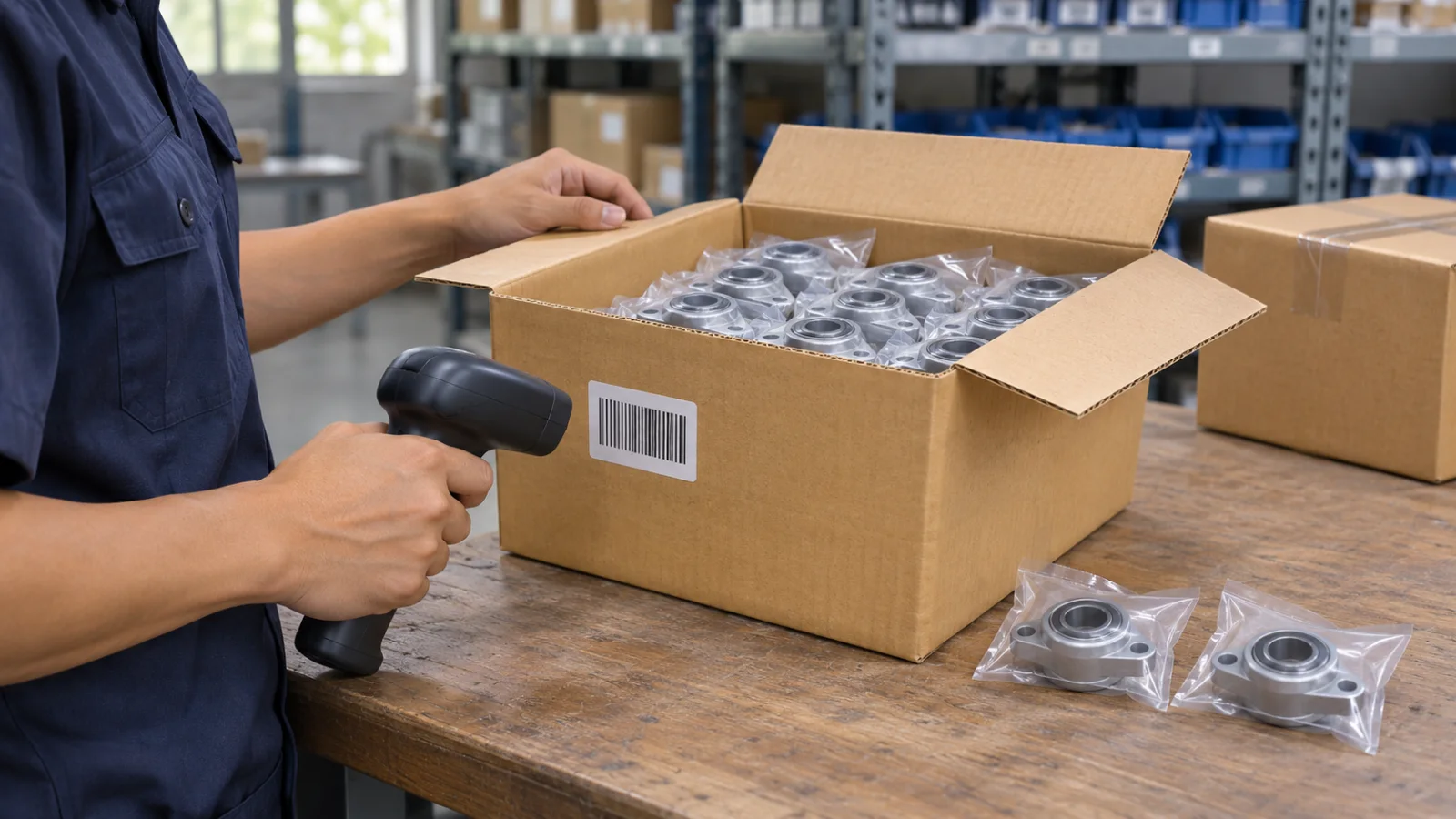
For warehouse scanning, define a packaging barcode and its quantity for that product. With Odoo Barcode configured for the workflow, a single carton scan increases the scanned receipt count by the number of pieces in that carton. If the vendor sends the same product in cartons of 12 and 24, verify the code and quantity for each pack you actually receive. If labels cannot distinguish those sizes, stop using full-carton scans in that case. Count and verify the pieces before confirming the receipt. Odoo 19.0 packaging
Test a partial receipt and a shipment in the test system
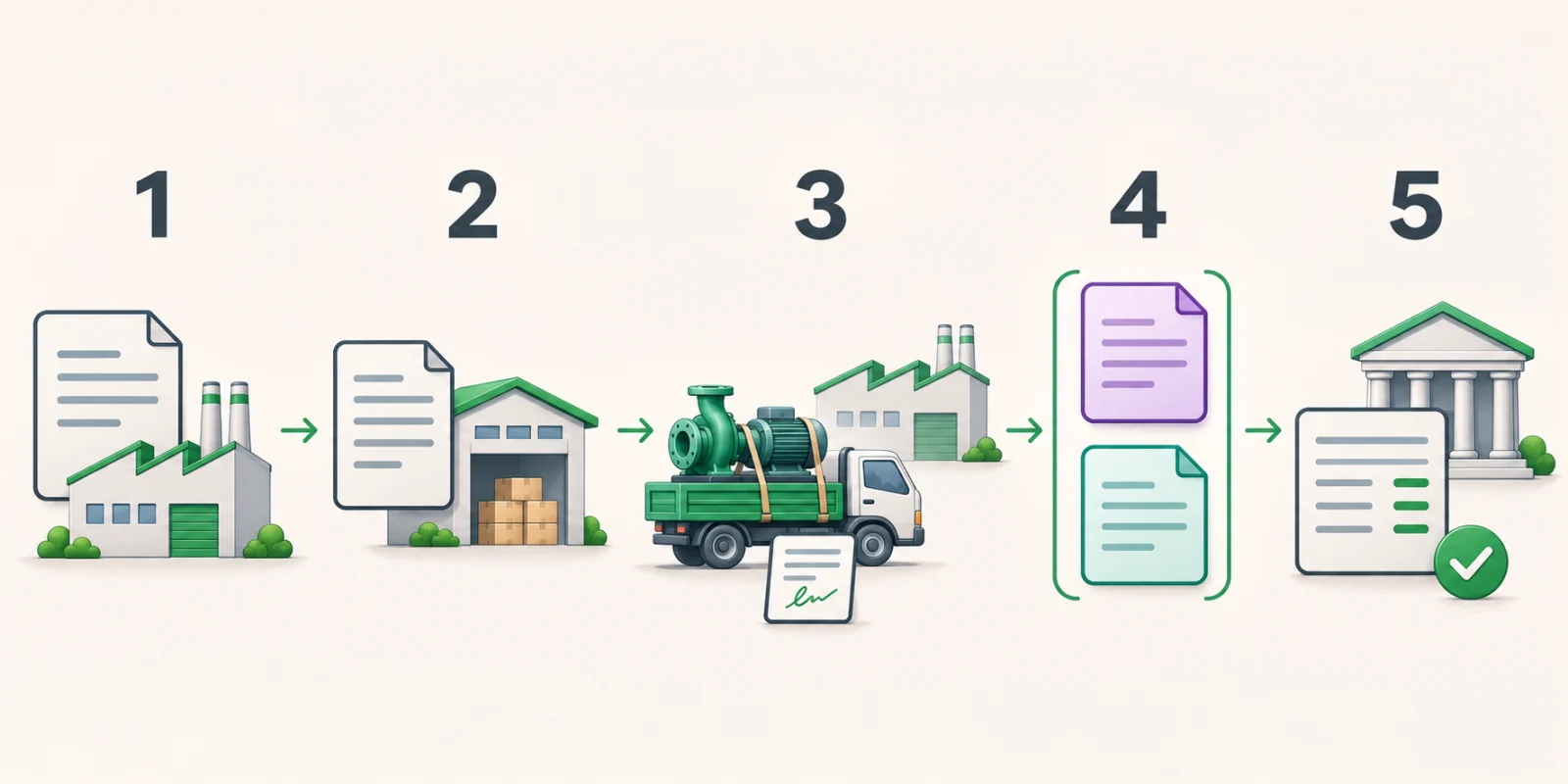
Illustrative example. A parts wholesaler starts with zero stock and orders five cartons of 12 pieces. The fifth carton is damaged and the wholesaler declines it at receipt. The supplier agrees to send a replacement. Test whether the teams can carry the transaction through the remaining steps.
| Task | Reviewer and evidence | Expected result in testing |
|---|---|---|
| Place the order | Purchasing checks the supplier quote against the vendor pricelist and purchase order | Five cartons at the price per carton and demand for 60 pieces on the receipt |
| Record the first receipt | Warehouse scans four sound cartons, verifies the count before confirmation, and retains evidence of the rejected carton | 48 pieces received. Create or configure a backorder for the remaining 12 pieces to receive the replacement. |
| Ship seven pieces | Sales enters the order in pieces, then warehouse confirms delivery and checks the stock report | Seven pieces issued and 41 remain in the warehouse |
| Receive the replacement | Warehouse uses the backorder receipt. Accounting compares quantities and units across the purchase order, receipts, and supplier bill | 12 more pieces received, leaving 53 on hand, with records of all 60 pieces received |
This example assumes the damaged carton was declined. If your warehouse accepts it pending inspection, test a separate holding location and check that items under inspection cannot be picked for shipment. Total stock held and stock the warehouse can issue may differ. Read the report for the relevant locations.
Before rolling this out across the product range, choose one real SKU you sell by the piece that a supplier ships in two carton sizes. Test purchase pricing, scanning a partial receipt, and closing the backorder. If the totals disagree, check the purchase unit, carton code, and quantity confirmed on the receipt before adjusting inventory. When the three teams agree how to record each step and use the same evidence, they can avoid reconverting quantities in spreadsheets after every receipt.