Suppose your team is fixing an urgent vulnerability in a customer-facing service. The package maintainer has just released a patch, but CI, the system that tests and builds the software automatically, cannot install it. The version is younger than your organization's minimum package age. Who can authorize the exception, and can tomorrow's on-call engineer see what evidence supported that decision?
GitHub launched package firewall in public preview on October 20, 2026, then rewrote its announcement for clarity on October 21. It places an installation policy gate between developer machines, AI agents or CI and package sources, giving organizations a way to apply their rules before automated installations proceed. GitHub announcement
For IT leads and business owners, choosing a waiting period is only part of the decision. Someone must receive exceptions, weigh the risk of waiting against the risk of installing, and leave a record the next person can use. This article proposes a pilot approach based on sources checked on October 25, 2026. It does not report an Enersys deployment.
The gate covers requests routed through it
GitHub says the firewall checks both package metadata requests and actual downloads against enterprise policies. Administrators configure those policies and then configure endpoints to request packages through the firewall instead of directly from a public registry. Enabling a policy alone does not demonstrate that every developer machine, agent and CI runner is covered. GitHub setup documentation
Before assessing results, identify where npm dependencies are installed. Choose a manageable pilot and verify its actual download route. If other jobs still fetch directly from a registry, the pilot's findings apply only to requests that pass through the firewall. Connection credentials also need an owner. The documentation requires requests to carry a token associated with an enterprise member's user or bot account, and says to store it securely, for example in a CI secret, rather than committing it to a repository.
The preview is available to GitHub Enterprise Cloud customers, including those using data residency, and currently supports npm only. It is free during preview; GitHub says general availability will bring metered usage charges. That does not establish a permanent free service or coverage for Python packages and Odoo add-ons. Availability and limitations
A cooldown buys time, not a safety guarantee
The minimum package age policy makes newly published versions wait before installation. The documented default is one day. Administrators can set a value from 1 to 365 days, or use 0 to disable the control. Minimum package age policy Waiting gives threats time to be discovered before installation. A version old enough to pass can still contain a problem nobody has found, so age cannot stand in for a complete security assessment.
Other controls check malware and vulnerability advisories in the GitHub Advisory Database, block a version without SLSA attestations when earlier versions had them, and check newly introduced scripts that run during installation. The documented defaults enable malware checks, attestation downgrade checks and new install script checks; vulnerability blocking defaults to Critical only. Read those defaults before choosing your own policy. They do not express every service owner's risk tolerance. Policy controls
An urgent patch exposes the tradeoff. Waiting can prolong use of a vulnerable version, while allowing a fresh release reduces the time available to observe package problems. Development and security reviewers need enough evidence to weigh both risks, rather than disabling the enterprise-wide cooldown whenever a build stalls.
Make the exception request useful to its reviewer
GitHub's documentation explicitly gives the example of a security fix blocked by minimum package age. When a package is blocked, npm output or the CI/CD log includes a link to request an exception. The form includes the repository, ecosystem, package name, version, reason and additional comments. The documented exception reviewers are enterprise administrators and enterprise security managers. Request and approval workflow
Enersys recommends assigning a primary reviewer and a backup before starting a pilot. A useful request should include:
- The package and version required, the repository and the affected job.
- A vulnerability advisory or release note supporting what this version fixes, with an explanation of why waiting is unacceptable.
- The checks or tests actually completed, including what remains unchecked.
- The requested scope, the person responsible for follow-up and a review date.
These are workflow recommendations, not additional mandatory GitHub form fields. Reviewers still need to judge whether the evidence is sufficient for that service. A release note link alone does not establish that the downloaded artifact is safe.
In the hypothetical case above, development submits a request for that patch version, attaching the vulnerability advisory and available test evidence. The reviewer decides whether to approve or request more information. If the request is denied, the service owner and security team should choose a temporary mitigation appropriate to the vulnerability, such as restricting access or suspending the affected component, and assess whether waiting under the policy is acceptable. Rerouting downloads to evade that decision should not be the fallback.
Keep an urgent approval narrow and revisit it
GitHub lets reviewers change the version or range to allow, including using a wildcard to allow all versions of a package. That reaches beyond a one-off patch approval. For a single urgent fix, Enersys recommends considering the specific version supported by the evidence and recording the decision in a comment. Do not broaden it to every version simply to get the current build through.
Approved bypass requests become part of the firewall policy. Enterprise administrators and enterprise security managers can review and remove outdated or unwanted exceptions. The documentation does not say every exception expires automatically, so your process should assign a follow-up owner and review date. Managing approved exceptions
After approval, verify that the required job actually works, retain the resulting test evidence and check that the exception matches the intended version. Once the urgent situation has passed, decide whether the exception is still needed. A count of approved requests is not, by itself, a security outcome.
Start with a service that has a clear owner
A useful pilot should show which routes pass through the firewall, which policies cause blocks, who reviews requests, what evidence they use and which exceptions remain open. Tracking reviewer wait time and disruption can help adjust coverage for incoming requests. Keep those operational measures separate from claims of fewer attacks, which would require different evidence.
If your organization lets AI agents install dependencies or is expanding CI without clear exception ownership, choose one service and rehearse an urgent patch decision with the people responsible. Enersys can help define the pilot and the decisions shared by development, security and service owners, starting with the installation routes and risks of the actual workload. Contact Enersys
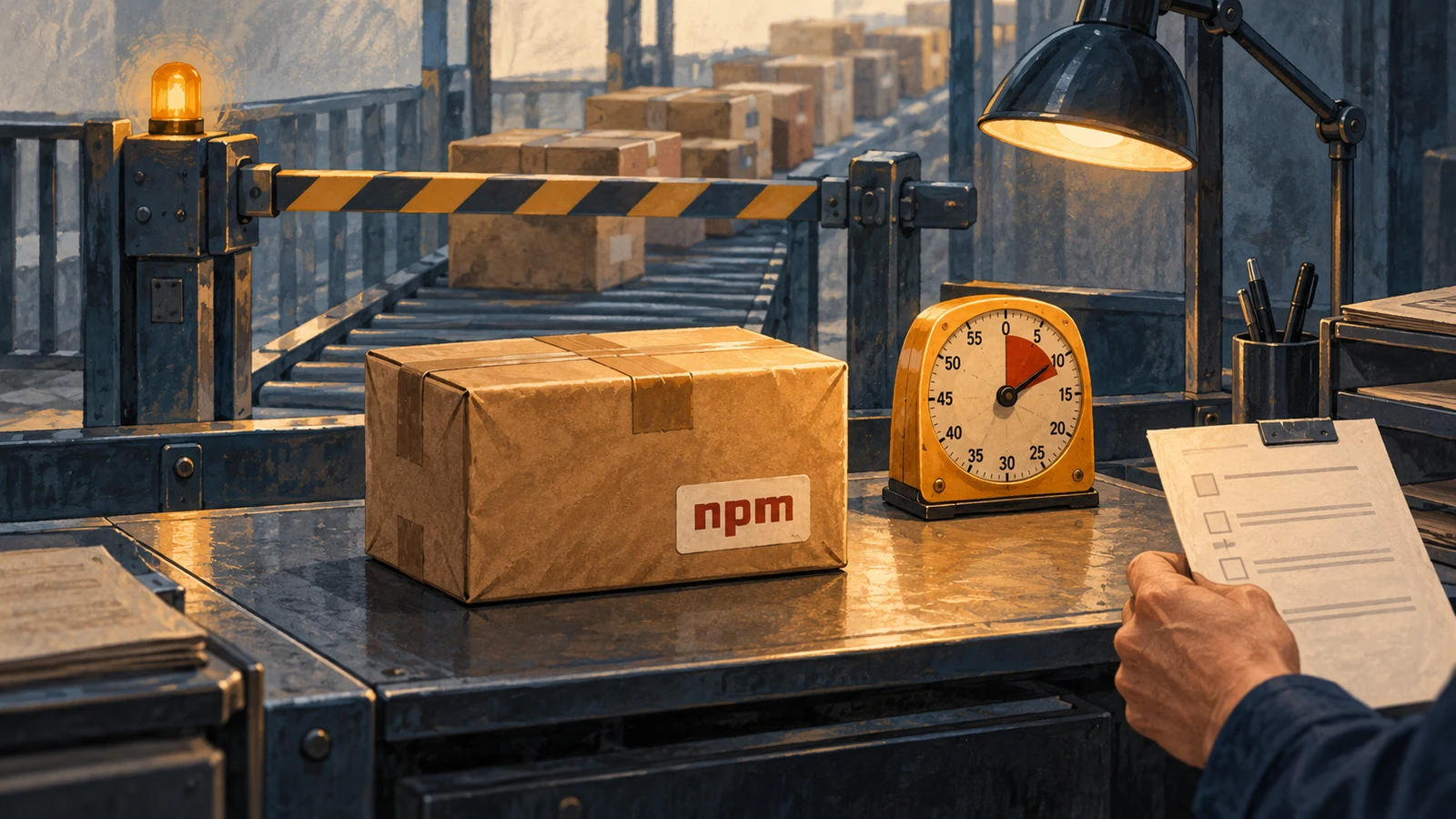
The article illustration was created with AI for Enersys to explain waiting and exception review. It is not a GitHub screenshot or evidence of a deployment result.
References