If an AI agent helps inspect logs for one Worker, should it also be able to see source code or deploy every Worker in the same account? On September 15, 2026, Cloudflare introduced role-based Workers access that can be scoped to an individual Worker. Teams can now assign different permissions to people, CI/CD systems, and agents instead of handing everyone the same broad key. Cloudflare's announcement
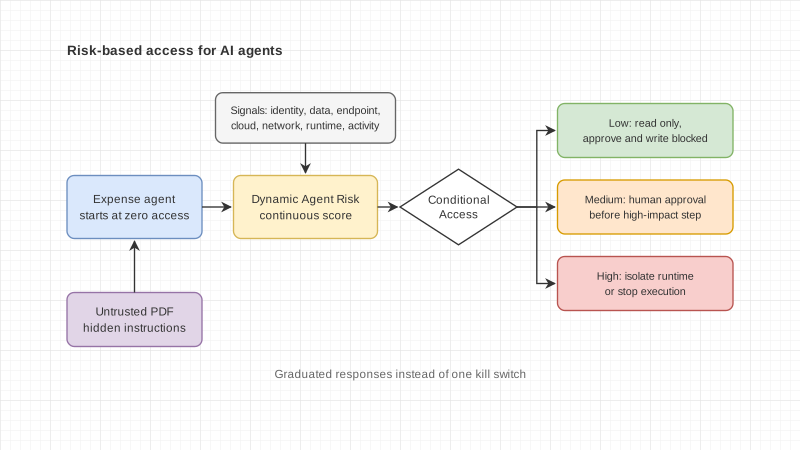
This matters to teams beginning to connect agents to production systems. “Let AI help” does not say what the AI can see or change. Defining which Worker an agent may inspect, or which application a pipeline may deploy, makes the boundary discussable and gives the access a named owner.
Four roles for different jobs
Cloudflare combines a role with a scope: the role says what actions are allowed; the scope says which resources those actions apply to. Scopes can be at Developer Platform, product (such as Workers), or individual resource level. API tokens support product and resource scopes, but not platform scope. Roles and permissions documentation
- Metadata Read-Only can view Worker lists, settings, and observability data such as metrics, logs, and traces, but not source code or secret values.
- Content Read-Only can read source code but cannot modify or deploy it.
- Editor can read and change Worker content, update settings, and deploy existing Workers, but cannot create or delete Workers.
- Admin can fully manage Workers, including creating and deleting them at the Workers product scope. When scoped to one Worker, access is limited to that Worker.
Per-Worker access applies to Workers that already exist. Creating a new Worker still requires Admin at the Workers product scope. A deployment that adds or changes a route or Custom Domain also needs Workers Routes permission for the relevant zone. The documentation says Custom Domains do not yet have per-Worker roles of their own, so check the actual scope required before automating that step. Workers roles and limitations
Give people and agents responsibilities they can explain
This is one possible permission design for a system, not a Cloudflare requirement or a universal prescription:
- Give an incident-analysis agent Metadata Read-Only on one Worker so it can inspect logs and traces without seeing source code.
- Give a code-review agent Content Read-Only on the Worker under review.
- Give a CI/CD pipeline an account-owned API token with Editor on only the Worker it deploys.
- Reserve Admin for the people who own the system, and separate approval to create or delete a Worker from routine work.
If a deployment needs to change a route or Custom Domain, add zone-level permission only when that step requires it. A token expanded to get one task through may retain access for other tasks. Record who owns each token, what it is used for, who approved it, and when it must be reviewed or revoked.
One limitation to plan for: wrangler login's OAuth flow does not yet support granular authorization. To use narrow permissions with Wrangler, authenticate with an account-owned API token and manage that token in the CI/CD or agent secret store according to the organization’s practices. Wrangler authentication documentation
Team culture and the cost people often miss
Narrower permissions make delegation concrete. An agent may read logs without changing the system; a pipeline may release a version without being able to delete the application. That helps teams distinguish who proposes a change from who approves it and owns the service. It is an operating approach, not a guarantee against mistakes or data exposure.
When budgeting, count more than API or model charges. Staff time to create tokens, check scopes, review members and groups, rotate credentials when teams change, and revoke access when an agent is retired is part of operating the system. Assign an owner and record actual effort or expense under the organization’s accounting practices instead of assuming automation reduces cost immediately.
Cloudflare says the capability is available to all customers and currently starts with Workers. Extending the same role model to D1, R2, and KV is described as future work in the announcement; do not assume every product already supports resource-level access. Availability and roadmap
Before connecting an agent to production, start with a lower-risk Worker, assign a role and scope for each task, test that disallowed actions are actually rejected, and set an owner and review date for each token. Access boundaries can clarify responsibility; people still have to review and revoke them.
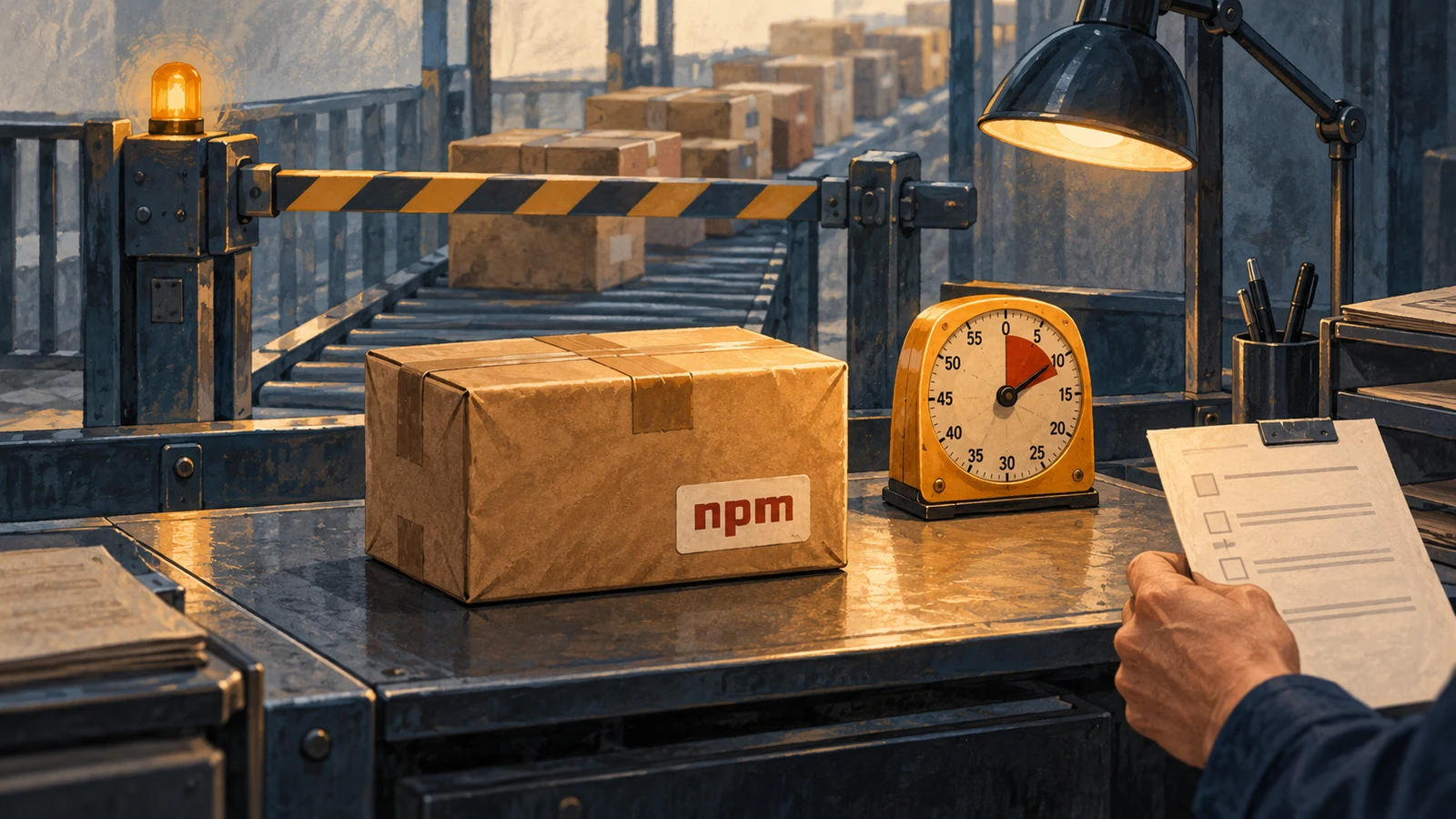
AI-generated illustration of a hypothetical team reviewing permissions. It does not depict actual Cloudflare, Enersys, or customer personnel or systems.
Talk with Enersys about systems and team workflows