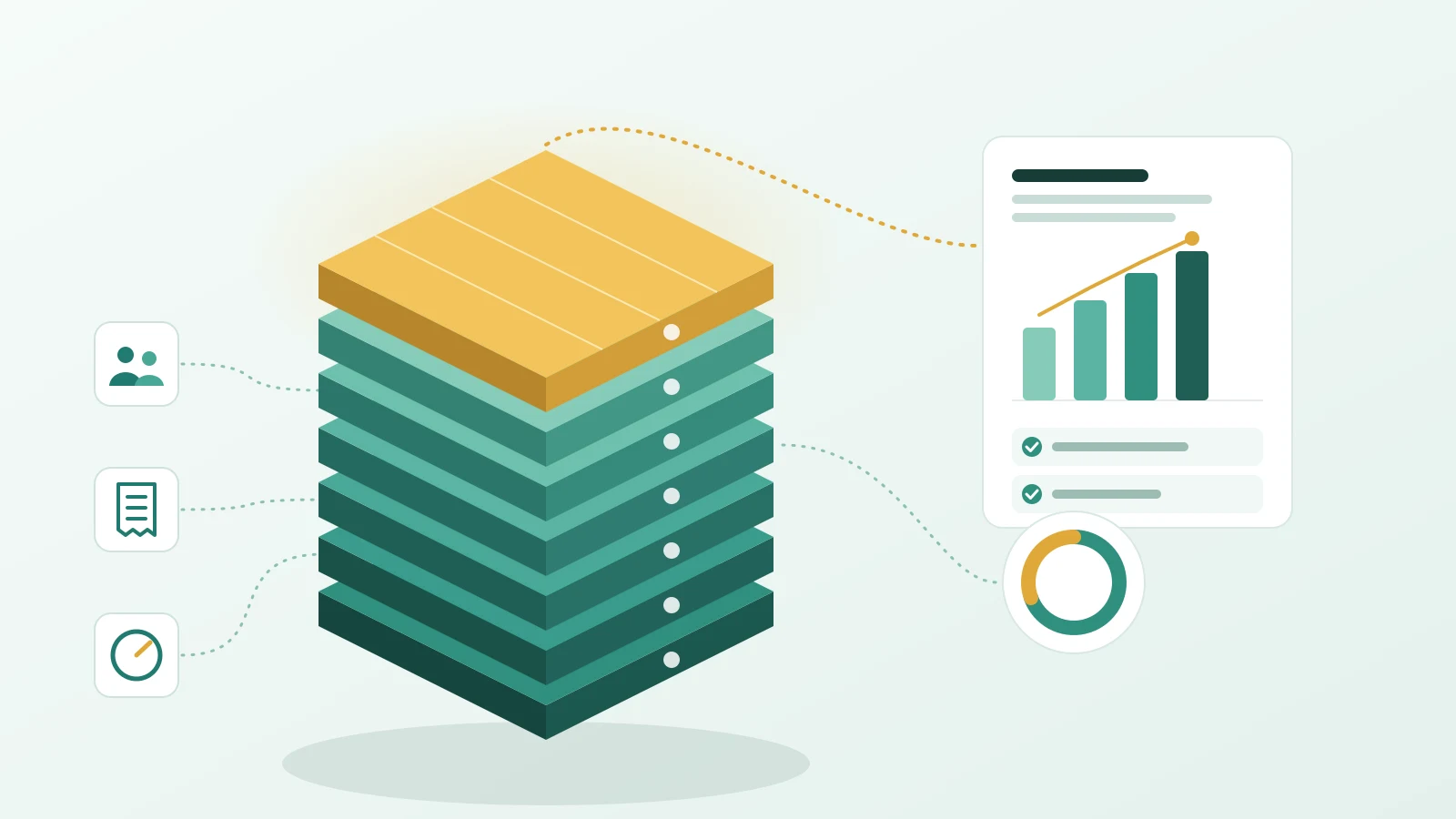
Suppose Finance builds a dashboard in Claude Data showing gross profit by customer and sends it to the head of Sales. The recipient may have no access to the data warehouse. If they have access to the dashboard and Live sharing is enabled, they could still see approved query results through the dashboard owner’s connection. Before anyone sends the link, the data owner needs to decide whether Sales should see the overall gross profit or the breakdown by customer.
Anthropic made Claude Data, formerly Claude Dashboards, generally available on November 10, 2026. It says the Data template defaults to on for eligible Enterprise organizations starting November 20 if the organization owner hasn’t saved a choice. Owners can confirm whether it is enabled for their organization under Organization settings → Artifacts → Templates. Launch announcement · Claude Data guide
Whose connection does the dashboard use?
With standard sharing, each viewer connects to the source using their own account. Their source permissions determine what they can see. If the organization allows Live sharing and the dashboard owner shares results through their own connection, people in the organization with access to the dashboard can see those results even without warehouse access. Sharing is limited to the dashboard’s specified queries and can include saved results. Changes to those queries require an editor’s approval. Claude Data guide
Live sharing and Certified queries are separate beta settings, both off by default on Enterprise. Certified queries lets teams approve queries for reuse, such as one that calculates gross profit using Finance’s agreed definition. The data owner still needs to decide who should see the results. Artifacts admin guide
Have the data owner open the link with two accounts
Start with sample data. Have Finance say who should see the total and who should see gross profit by customer. Give two test accounts the same dashboard viewer permissions. Give one of them source access. With Live sharing off, verify that each account sees only what its permissions allow. If the organization is considering the beta, enable Live sharing, choose Your access under Sources for the relevant connector, and approve only the aggregate query. Check that the account without source access sees what Finance approved, including when it tries filters or opens a detailed view.
To restrict access later, review the sharing settings for each dashboard. Turning off the Data template affects new creation. Existing artifacts remain accessible under their sharing settings. Artifacts admin guide