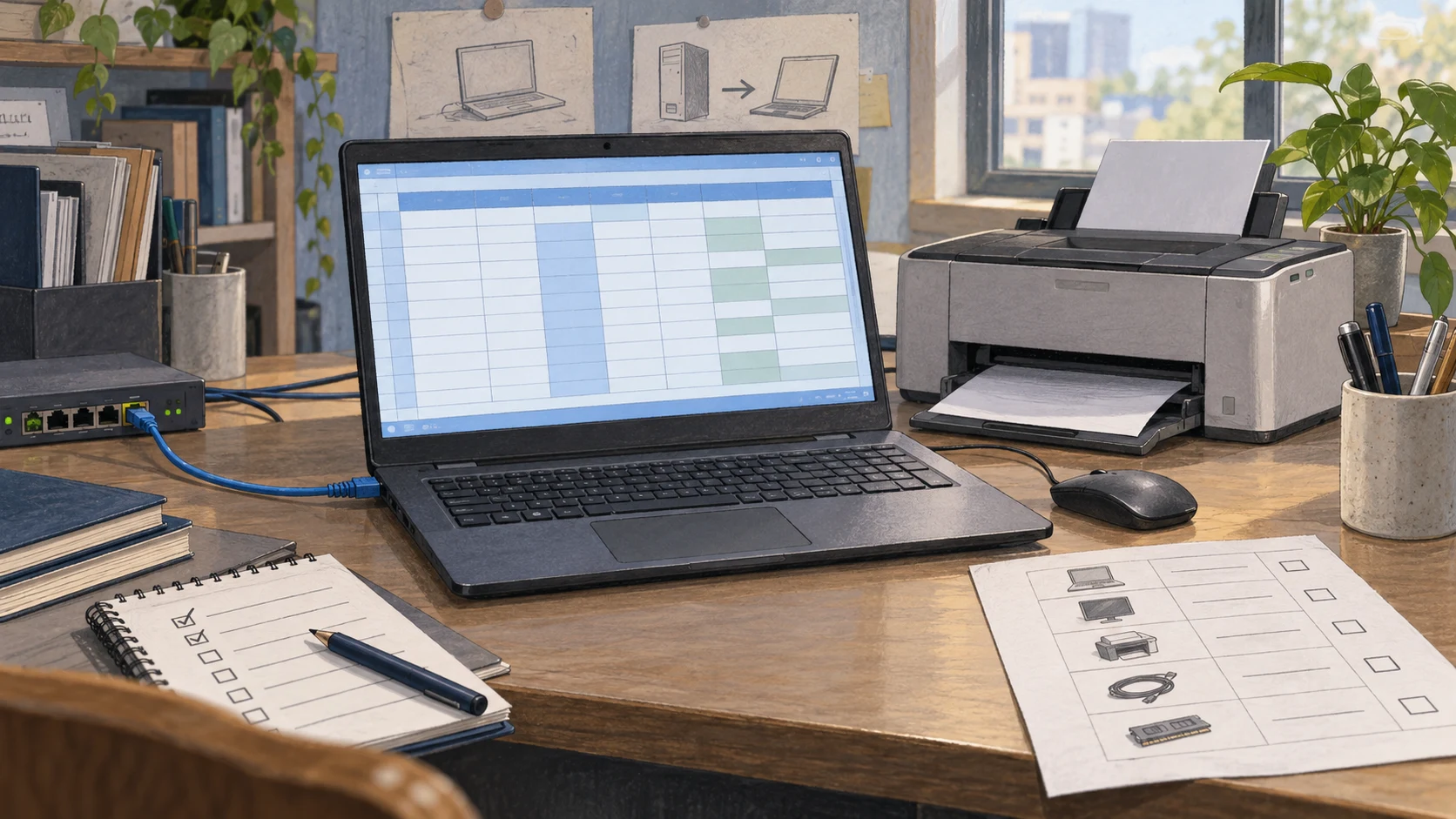
An accounting PC may still open Excel and print documents while its update status calls for a change. If it runs Windows 11 version 24H2 Home or Pro, day-to-day operation and continued servicing are two separate facts to check together.
Microsoft identifies the monthly security update released on October 13, 2026 as the last for Windows 11 version 24H2 Home and Pro. These editions will no longer receive monthly security or non-security preview updates. The notice appears in KB5127648.
The business task starts with finding the affected PCs and choosing an upgrade path that preserves everyday work. The approach below is planning advice, rather than a report of tests on customer equipment.
Check the edition and version before budgeting
The label Windows 11 alone cannot establish a support deadline. Microsoft groups 24H2 Home, Pro, Pro Education and Pro for Workstations separately from 24H2 Enterprise, Education, IoT Enterprise and Enterprise multi-session. The latter group has an end-of-updates date of October 12, 2027. LTSC has its own schedule. See Microsoft's Windows 11 release information.
Start in Settings > System > About and check the edition and version under Windows specifications, following Microsoft's device information guide. Record these alongside the device name, user, business task and person responsible for the PC. Employee-owned or branch devices may need a different collection method from centrally managed equipment.
This review should answer questions the team can act on: which PCs need a version change, which depend on older software, and who can confirm that essential work still functions after the upgrade. An assigned owner helps move each entry towards a test date and a deployment date.
Test everyday work before extending deployment
In its September 29, 2026 announcement, Microsoft made version 26H2 available to eligible 24H2 and 25H2 devices through a staged rollout. Compatibility issues may trigger safeguard holds. Microsoft advises organizations to start with targeted deployments and validate applications, devices and business-critical workflows before expanding. See the Windows 11 2026 Update announcement.
A business pilot should represent actual work, rather than consist only of spare PCs. Possible checks include:
- Open the accounting application or ERP, run test transactions agreed with the process owner, and check exported documents.
- Print through the printers and drivers used at work. Test other task-specific devices, such as barcode readers, where relevant.
- Connect to the VPN and internal systems as staff normally do, checking access and sign-in.
- Ask users to confirm the results, choose an acceptable change window, and prepare backups and a response if work is interrupted.
These are examples to adapt to each organization. Before choosing the target version, check software and device requirements alongside the available update-management channels. If an update is not offered, investigate why before accelerating installation, especially where compatibility restrictions apply.
Assess an OS upgrade and a hardware purchase separately
For budgeting, the end of updates for a Windows version is a reason to review existing PCs before approving replacements. If a PC qualifies for the target release, remains suitable for its work and passes testing, continued use is an option to assess.
For a PC that fails testing, identify whether the cause is hardware, a driver or software that its vendor does not yet support. A new PC may leave an older application problem unresolved. Get information from the vendor and process owner before approving spending. Compare evidenced costs such as application changes, repairs, replacement equipment and work interruptions without assuming a savings figure in advance.
If a PC cannot move yet, record the reason, responsible person, risk-reduction plan and review date. An exception with no end date leaves the next planning cycle with the same unfinished entry.
A practical first step is for IT and process owners to review the 24H2 Home/Pro PCs together and select a pilot that covers essential work. The first round should produce a list of PCs ready to move, PCs with unresolved dependencies, and the person responsible for each dependency.