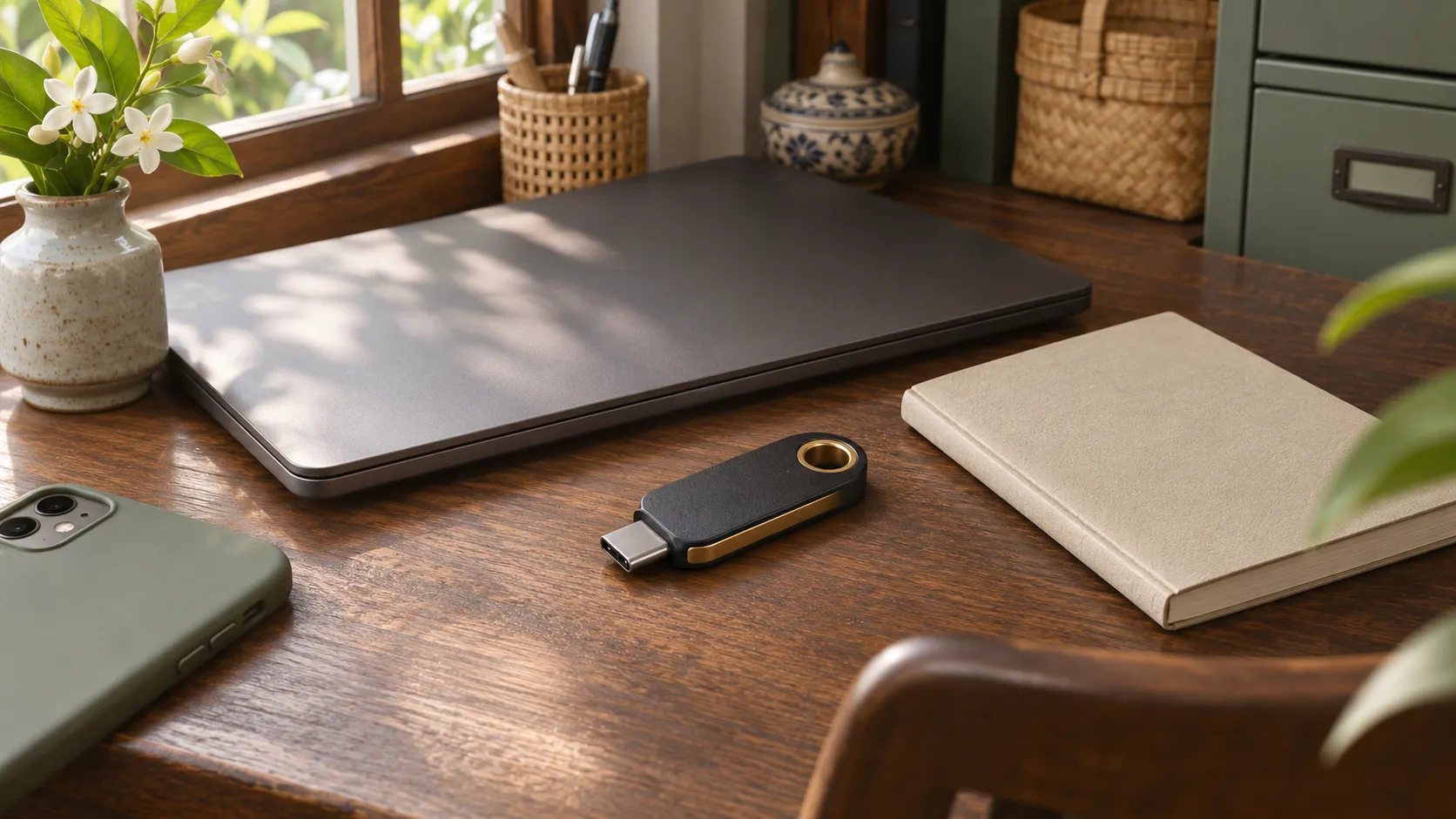
Suppose a shop owner loses their phone just before dispatch. Can they still open order confirmations from another device? If the storefront sends a recovery link to the shop inbox, and opening that inbox requires approval on the missing phone, one lost device can interrupt fulfilment.
NIST CSWP 50: Small Business Cybersecurity: Non-Employer Firms was published in final form on November 2, 2026. It was written for owner-operated businesses and may also help very small teams. The guide recommends inventorying business-critical systems, enabling phishing-resistant multifactor authentication (MFA) where available, and planning how to restore operations. This practical explainer applies those ideas to shop account recovery.
Start with the accounts that unlock other accounts
List the services you need to receive or fulfil orders, how you would sign in on a new device, and which accounts or equipment each method requires. Trace the order dashboard back to the inbox and the password manager. If both ask the same phone for approval, start there. Record only the steps and who owns them. Keep passwords and recovery codes separately in secure storage.
While you still have access, check whether the provider supports a spare security key or recovery codes. A key already registered with the service may let you sign in on another device. Store provider-issued recovery codes securely offline, where you can reach them without unlocking the same inbox. Available methods and identity checks vary by provider. The account recovery section of NIST SP 800-63B-4 explains the difference between using a working alternate authenticator and recovering an account after losing the authenticators required to sign in.
Rehearse while the current setup still works
Illustrative example. A shop owner who packs their own orders registers a spare security key for the shop inbox. They try signing in from a separate browser profile with no active sign-in on a trusted computer, set their phone aside, and keep the original session open in case they need to revisit the settings. After opening the inbox, they try viewing the order list without changing anything to see whether dispatch can continue. They record the date, who ran the check, the method, and which task worked, without recording credentials or customer details.
If the storefront still asks for phone approval, record where the rehearsal stopped, check the platform’s official support process, and keep a way to update customers that does not depend on the same account. If the phone actually goes missing, follow the provider's procedure for revoking the lost device's authenticator and checking active sessions. This rehearsal does not require resetting passwords, signing out everywhere, or deliberately locking the primary account.
Before closing today, pick one account you would need to finish shipping. Check which alternative methods it supports, then decide which trusted device you will use to rehearse without your primary phone.